
Build Interactive Worlds with the Lunc Tools World Bot Editor
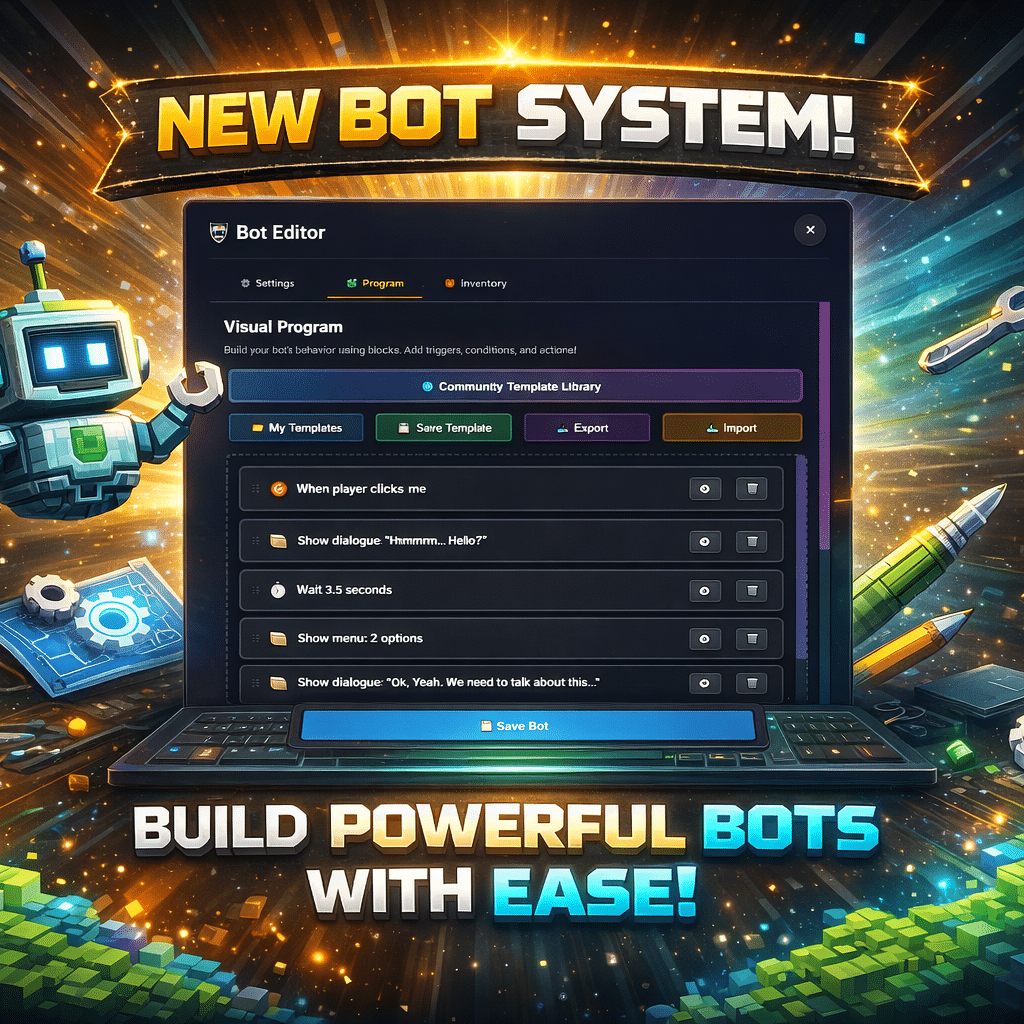
Lunc Tools World offers creators a powerful way to bring characters and environments to life through its intuitive Bot Editor. Whether you’re designing a game, a virtual community, or an educational experience, this visual scripting tool makes it easy to build responsive, interactive bots—no coding required.
Drag-and-Drop Logic That Just Works
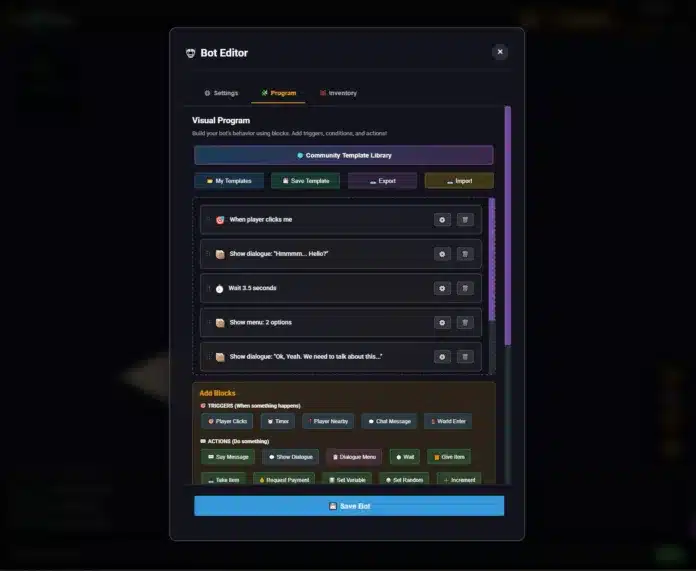
The Bot Editor uses a block-based system to define bot behavior. Creators can stack Triggers, Actions, and Conditions to build complex interactions with simple logic.
For example:
- Triggers like “Player Clicks” or “Player Nearby” start the bot’s response.
- Actions such as “Show Dialogue,” “Give Item,” or “Teleport Player” define what the bot does.
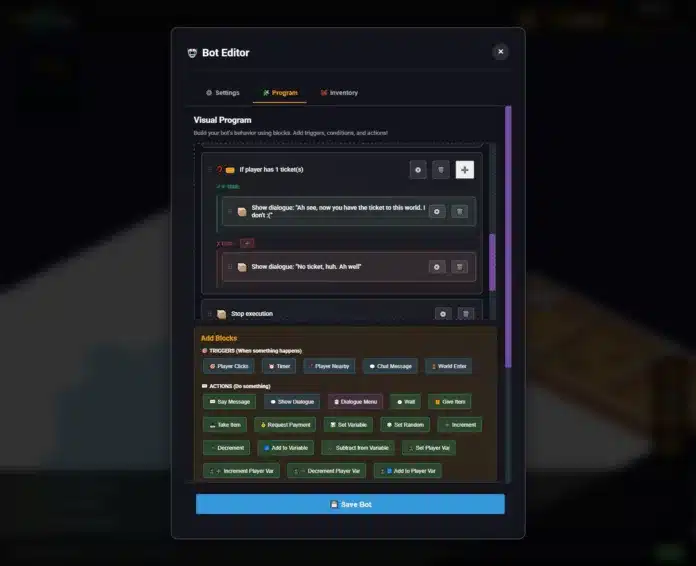
- Conditions like “If player has ticket” allow branching paths and personalized responses.
This modular approach means you can build anything from simple greetings to multi-step quests.
Dialogue That Feels Alive
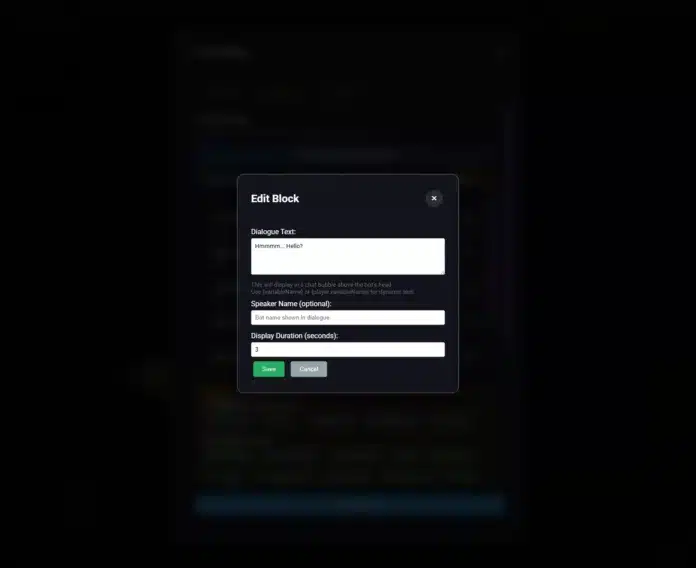
Bots can speak dynamically using the Show Dialogue block, which displays text in a chat bubble above the character. Add personality with optional speaker names and timed pauses using the Wait block. Want branching conversations? Use the Dialogue Menu to offer players multiple choices and guide them through custom storylines.
Variables let you personalize messages with {player.name} or track progress with {variableName}, making each interaction feel tailored.
Inventory, Variables, and Player State
Bots can manage items and track player progress with ease. Use blocks like:
- Give/Take Item to control inventory.
- Set Variable and Increment to track game state.
- Player Variables to store data unique to each user.
This makes it easy to build systems for quests, achievements, or access control.
Share and Discover with the Template Library
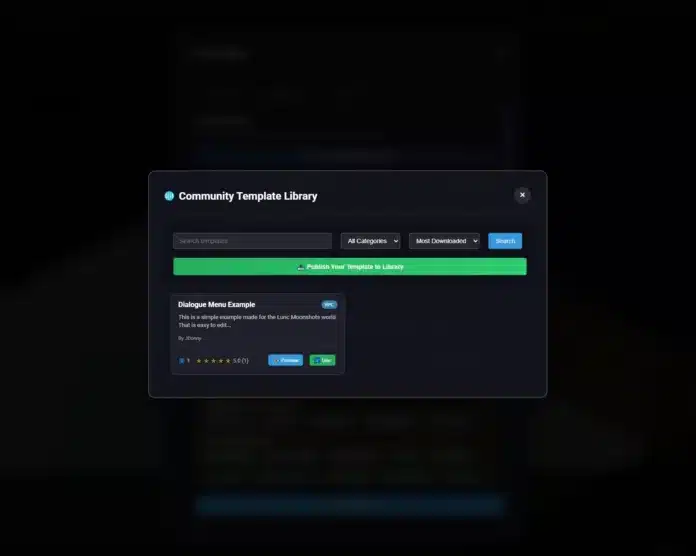
The latest update introduces a Community Template Library and Global Library, giving creators access to a growing collection of reusable bot logic. Browse by category, preview templates, and instantly load them into your editor. You can even publish your own templates to help others build faster.
Templates like “Example of Dialogue Options” show how to structure branching conversations and conditional logic—perfect for onboarding new creators or speeding up development.
Real Example: Ticket-Based Access
Here’s a sample bot flow that checks if a player has a ticket and responds accordingly:
Trigger: When player within 2 tiles
  → Show dialogue: "Hi! Hello there traveler."
Trigger: When player clicks me
  → Show dialogue: "Welcome to Lune Moonshots World! Would you like to know more?"
  → Wait 6.3 seconds
  → If player has 1 ticket(s)
      → Show dialogue: "Ah see, now you have the ticket to this world."
      → Stop execution
  → Else
      → Show dialogue: "No ticket, huh. Ah well"
      → Stop execution
Start Building Today
Whether you’re crafting lore-rich NPCs, designing interactive tutorials, or building access-controlled experiences, the Lunc Tools Bot Editor gives you the tools to do it all—visually, intuitively, and collaboratively.






1 Comment
Kourschak
Very interesting and ease to use, thanks for this great bot system
Comments are closed.